


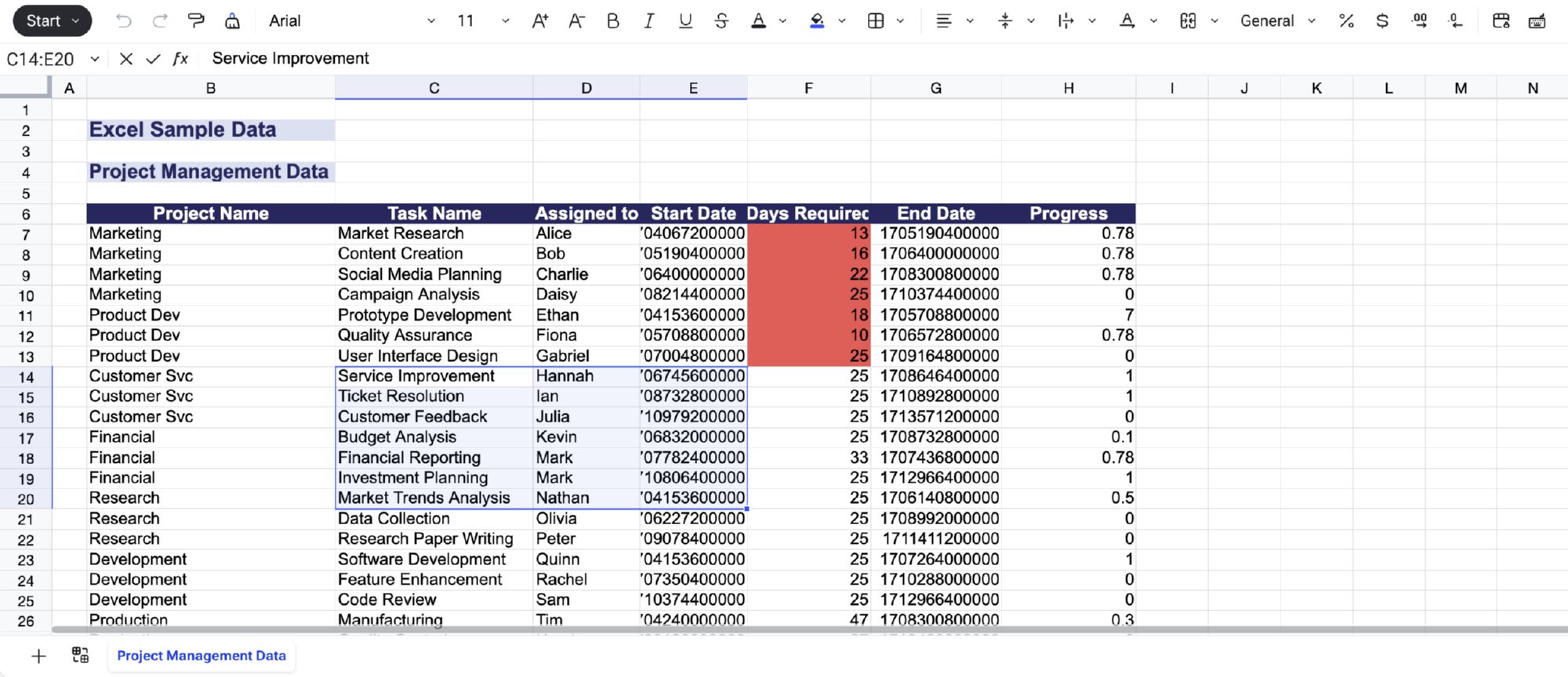
We've integrated full Excel preview and edit functionality into Airtool's document handling system. End users can now view Excel templates, modify cell values, add or remove rows, and save changes—all within the platform's native interface.
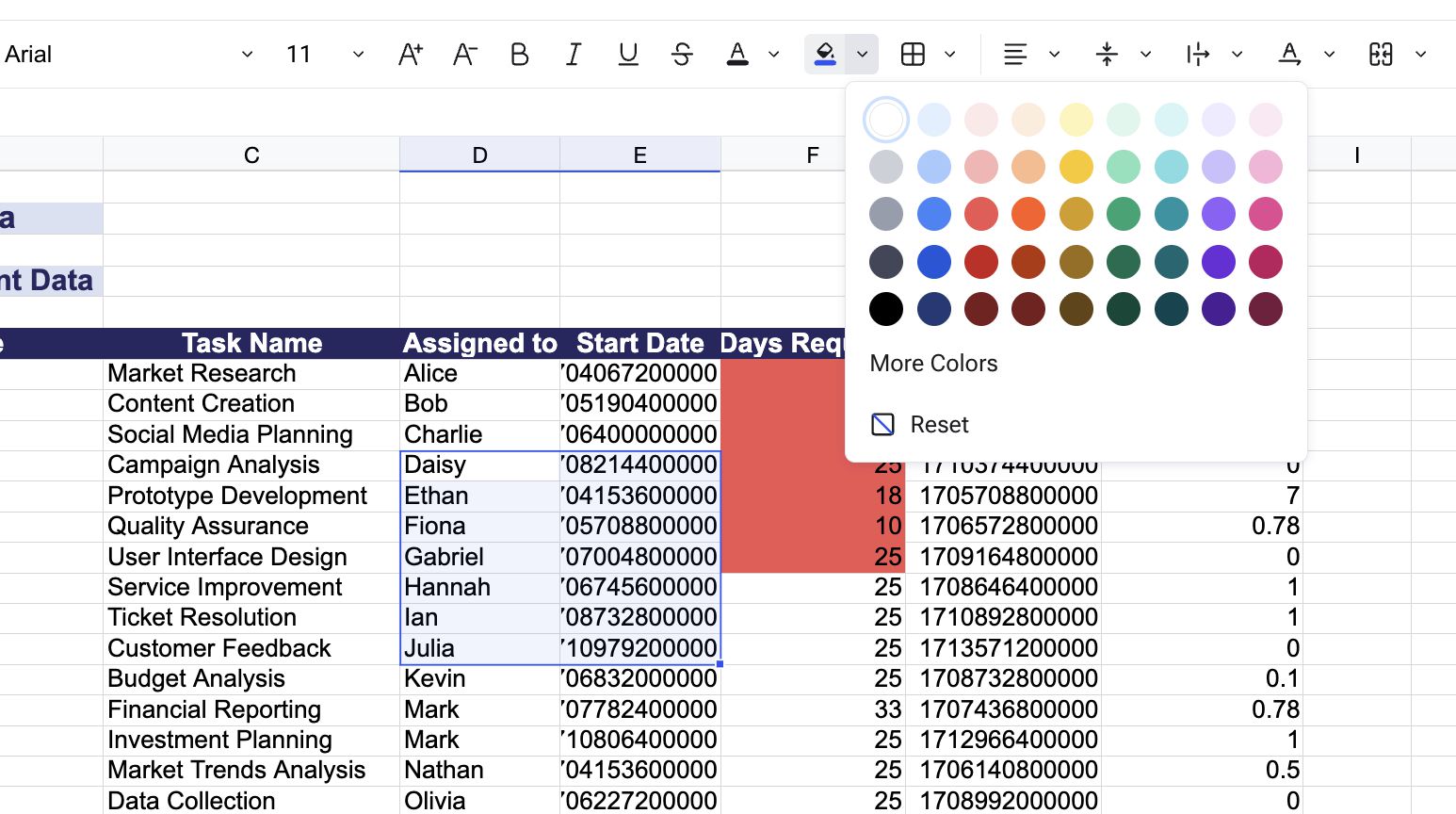
Excel editing pairs seamlessly with Airtool's AX Excel library for server-side processing. After users edit an Excel document in the UI, your procedures can read the modified file, extract data structures like invoice headers and line items, and insert them directly into your database tables—all in a single operation.
Invoice editing workflows: Present invoice templates as editable Excel documents where users can modify amounts, quantities, and line items. Your procedure reads the edited Excel structure and inserts the complete invoice—header and all line items—in one database transaction.
Budget planning: Load budget templates with department-specific data, let managers adjust allocations directly in Excel view, then automatically sync approved changes back to master budget tables.
Bulk data entry: Provide Excel templates for repeating data structures like purchase orders, time sheets, or expense reports. Users fill them out in the browser, and Airtool handles validation and database insertion.
Store Excel files in a table column (BLOB or BYTEA type). When you configure a form tab preview component pointing to that column, Airtool automatically detects the Excel format and renders the spreadsheet viewer/editor. Changes made in the preview component update the column value directly through 2-way binding—no additional code required.
Your transaction event then use the AX Excel library to read the column value and process the modified data.
Excel preview and edit is available immediately for all Airtool applications.
We recommend starting with template-based workflows where you provide pre-structured Excel files for users to fill out, then gradually expand to more complex scenarios as you become familiar with the integration patterns.